EDR Viewer for Mac · Recording guide
Looking for
WinEDR for Mac?
Inspect WinEDR electrophysiology recordings directly on an Apple Silicon Mac.
EDR Viewer is a separate application for viewing and analysing existing recordings on Mac. It is not a Mac release of WinEDR and does not replace acquisition hardware or recording control.
This guide covers WinEDR .edr recording files, not unrelated files that share the EDR extension. EDR Viewer 2.18 requires macOS 14 or later.
1. Install EDR Viewer
Open the DMG, read READ FIRST, drag EDR Viewer to Applications and eject the disk image. Open the installed app. The build is locally signed and is not Apple notarized; consult the installation notes if macOS prevents it from opening.
2. Open your recording
Click Open… in the main window or choose File → Open recordings…. Select your WinEDR .edr file. Check the displayed channel names, units and time axis against your acquisition information before interpreting results.
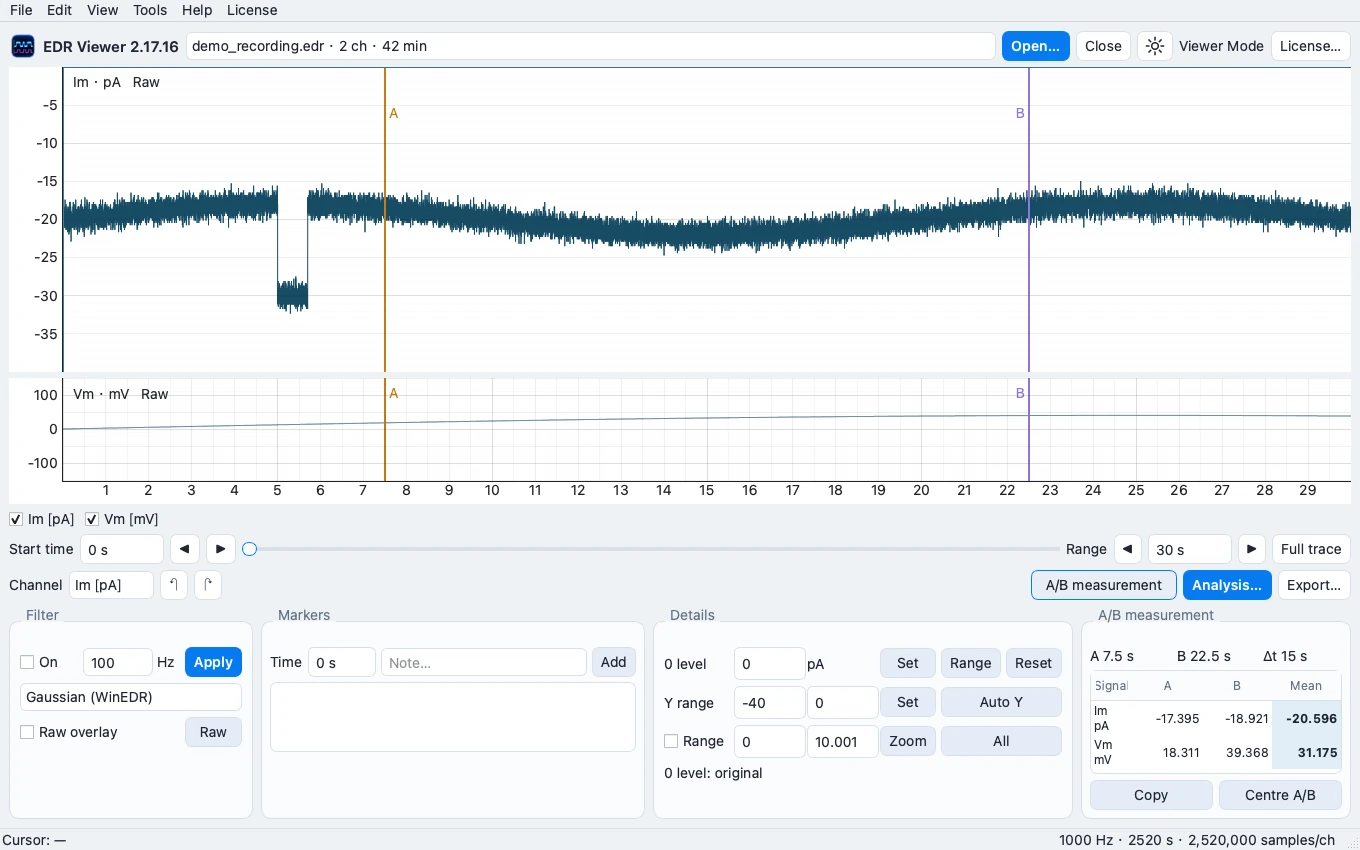
Illustration: existing synthetic demonstration recording. Your channels and waveform will depend on your file.
3. Inspect an interval
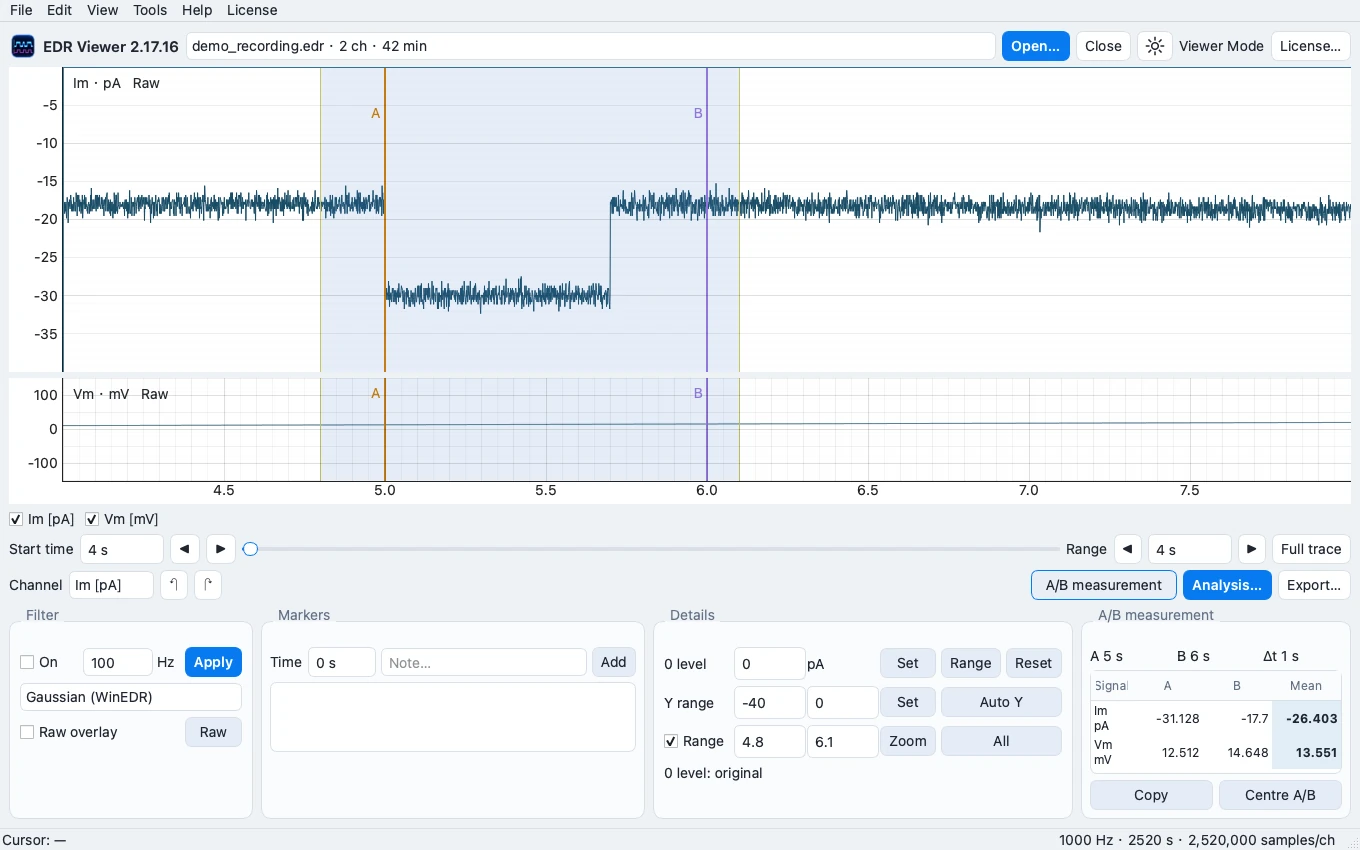
Zoom and pan to the interval of interest. Use the A and B cursors to define a region and inspect its measurements. Opening recordings, trace inspection and A/B measurements are available in Viewer Mode.
4. Process or export when needed
Full Access adds signal processing, FFT/PSD, exports and Analysis. It is a one-time £7.99 purchase for up to 2 Macs; taxes, if applicable, appear at checkout. First activation requires the internet. Saved authorization permits offline use.
Recording contents are processed locally. Original source recordings remain read-only; save processed outputs separately.
If the file does not open
Confirm that it is a WinEDR recording rather than another EDR file type. Keep the original file. Use Help → Diagnostics & support… and review diagnostics before sharing. Never post experimental data or licence keys in a public issue.