EDR Viewer for Mac · Recording guide
View ABF recordings
on your Mac.
Open ABF1 and ABF2 electrophysiology files from Axon / pCLAMP workflows.
EDR Viewer 2.18 runs on Apple Silicon with macOS 14 or later. Multi-sweep recordings are opened one sweep at a time. Support for these formats does not imply compatibility with every acquisition variant.
1. Choose your ABF file
Install the app from the DMG and launch it from Applications. Click Open… or choose File → Open recordings…, then select your .abf file.
2. Select a sweep and stream if prompted
For a recording that requires selection, the Import ABF dialog provides Sweep and stream controls with a preview. Choose the sweep and signal stream you need. Check channel labels, units and the recorded sampling rate. Changing a channel label or unit label does not rescale recorded samples.
A complete single-sweep recording may open directly. For a multi-sweep file, select one sweep for the current view; this is not a simultaneous all-sweep analysis workflow.
3. Inspect the selected trace
Zoom and pan, then place A/B cursors around a region to inspect measurements. Compare the displayed timing and units with the acquisition metadata before drawing scientific conclusions.
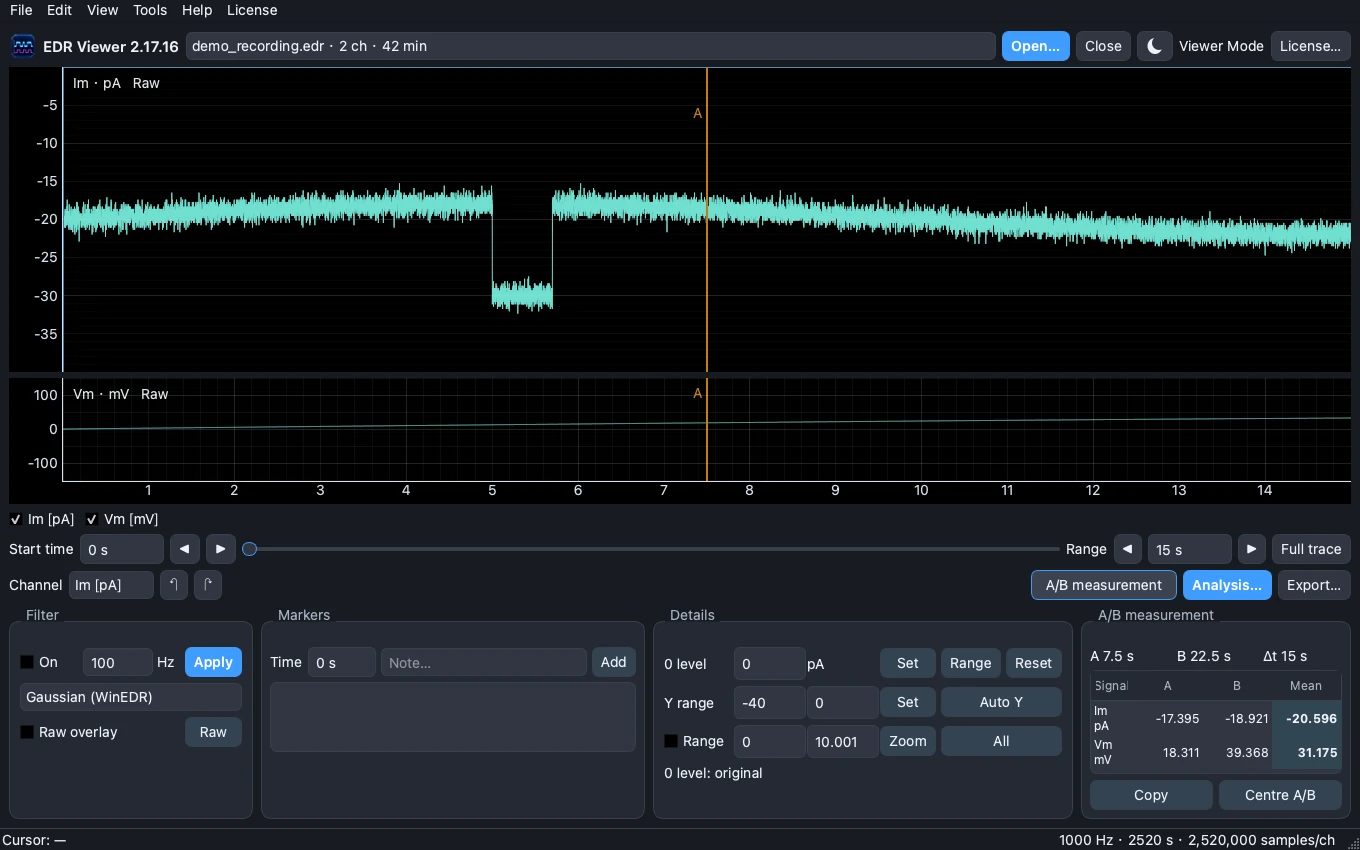
Illustration: synthetic demonstration data. It does not show an ABF import or guarantee support for a particular acquisition protocol.
Viewer Mode and Full Access
Viewer Mode allows opening recordings, trace inspection and A/B measurements without activation. Full Access adds processing, FFT/PSD, exports and Analysis. Use a Live licence in 2.18; old test keys cannot unlock the Live edition.
Import problems?
Keep the original ABF file and note the app version, ABF version if known, and whether the file has multiple sweeps. Review Help → Diagnostics & support… before contacting support. Do not upload experimental data or licence keys to a public issue.
Get support · Opening WinEDR EDR files on Mac · Activation guide